How to choose a cat theme
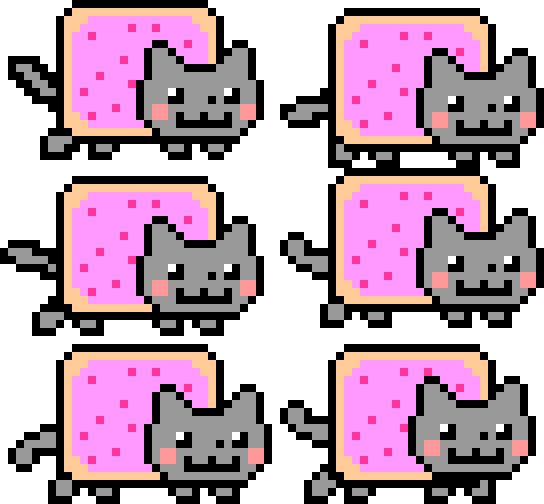
The extension ships with 12 hand-tuned cat themes — from the classic Nyan Cat to a sleeping fat cat, a pixel cat, and several dancing variants. Switching is instant and persists across browser restarts.
Open the extension popup
Click the Nyan icon in your browser toolbar. If you don't see it, click the puzzle-piece icon and pin Nyan Progress Bar for quick access. The popup opens at 280 px wide with the cat grid front and centre.
Browse the cat grid
The grid shows all 12 built-in cats plus an upload tile for your own GIF. Scroll inside the grid to see every option. Each tile is a live preview of the actual GIF that will appear on the scrubber.
Click the cat you want
Tap any cat tile to select it. The selected tile gets a cyan border and glow so you know which is active. The change is applied immediately to every open YouTube tab — no reload needed.
Check it on YouTube
Switch to a YouTube tab and move the scrubber. Your new cat is already there. If you have YouTube Music open, the cat is updated there too.