Cat Customizer
Pick your cat and fine-tune the position — then install the extension to see it live on YouTube.
Most popular kitty
The cats users pick most often.
Choose your cat
Click a cat to preview it on the progress bar below.
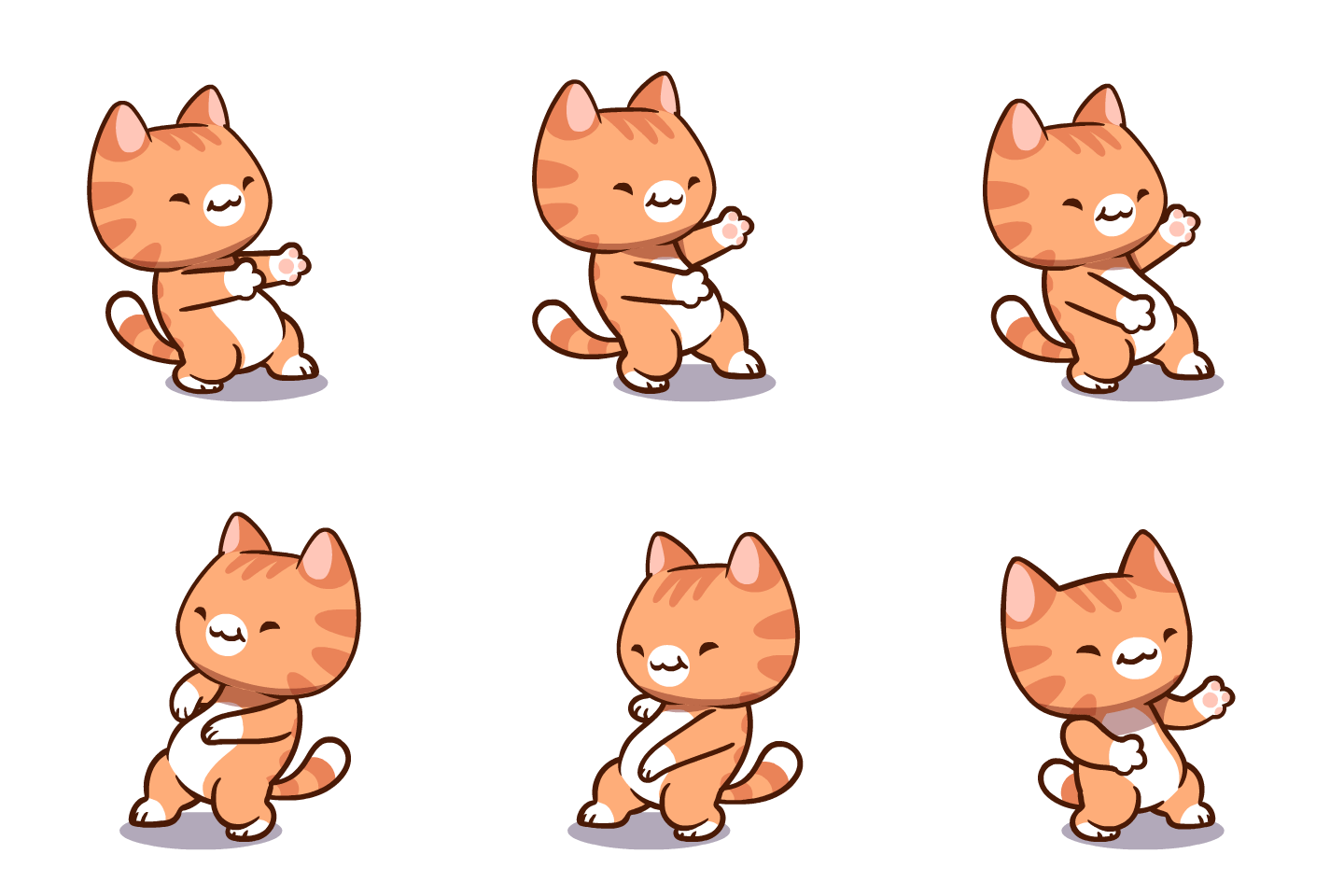
Kitties
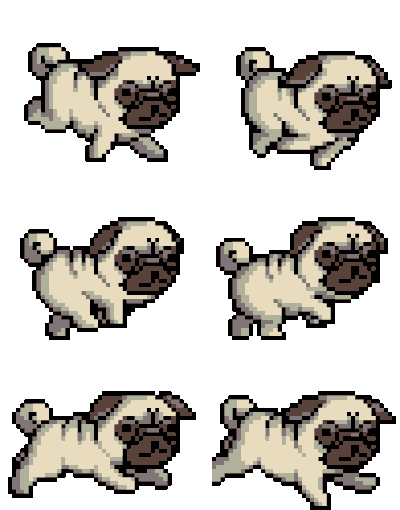
Doggies
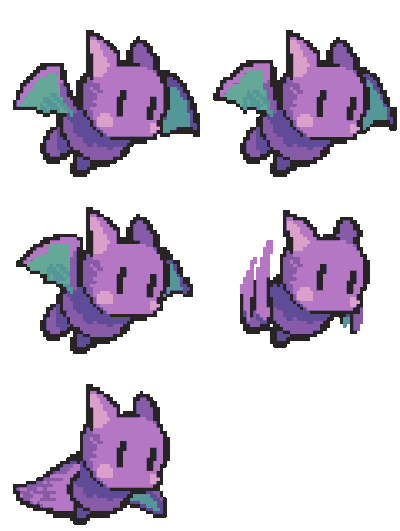
Buddies
Live Preview

Adjust Position
Where to find custom GIFs to upload
Browse these popular GIF libraries, then upload your favourite to the customizer above.
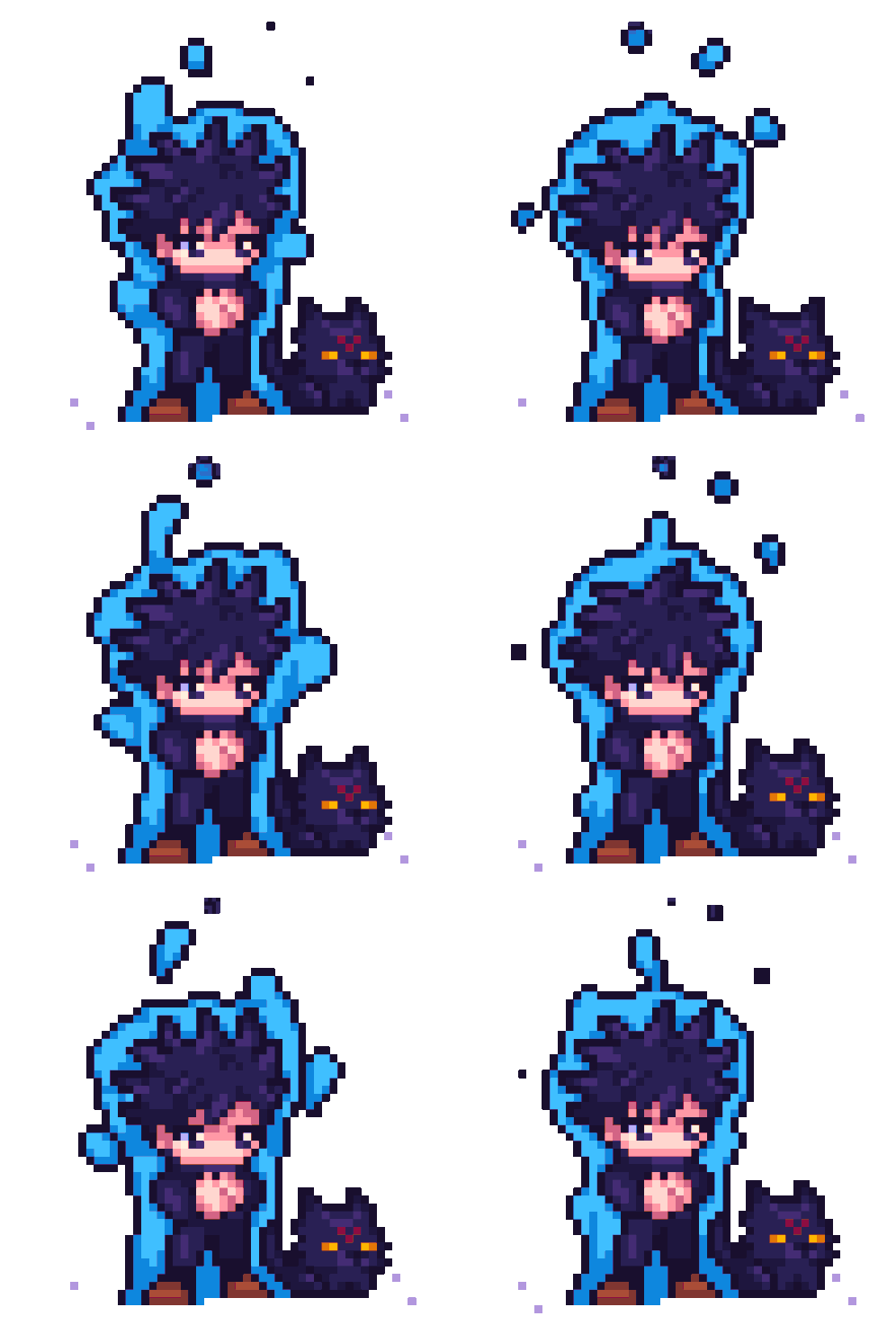
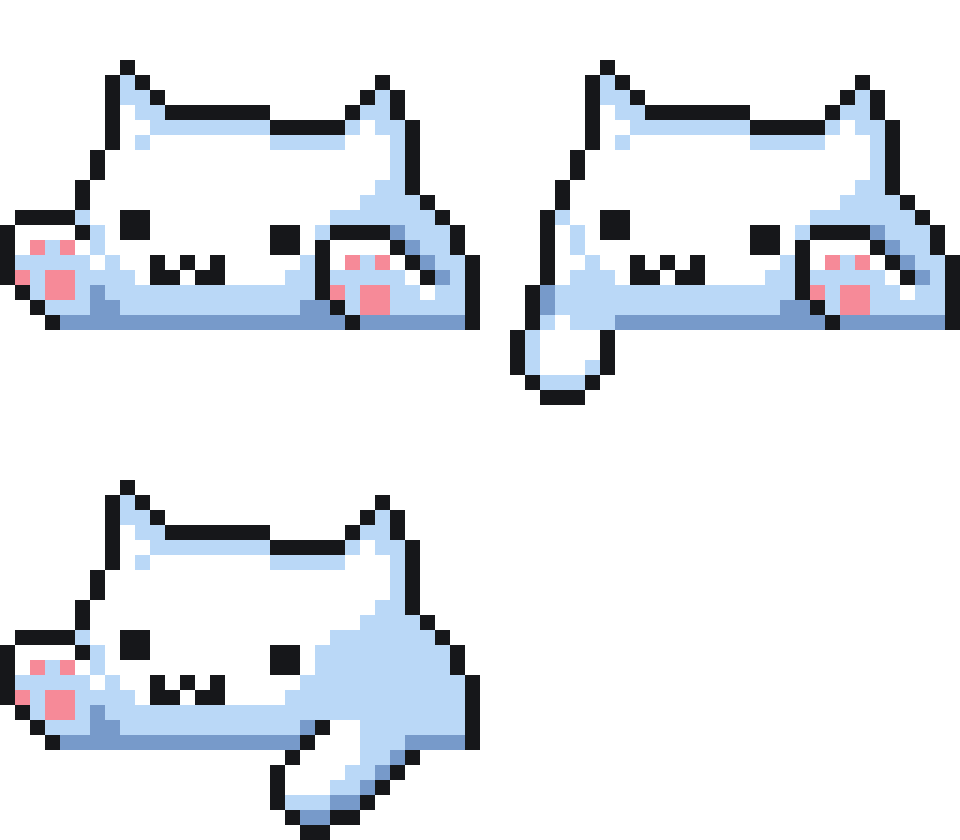

.gif)

Customization tips
A few small adjustments can make a huge difference to how your cat sits on the YouTube progress bar. Here are the tweaks that have the biggest payoff.
Match the cat to your videos
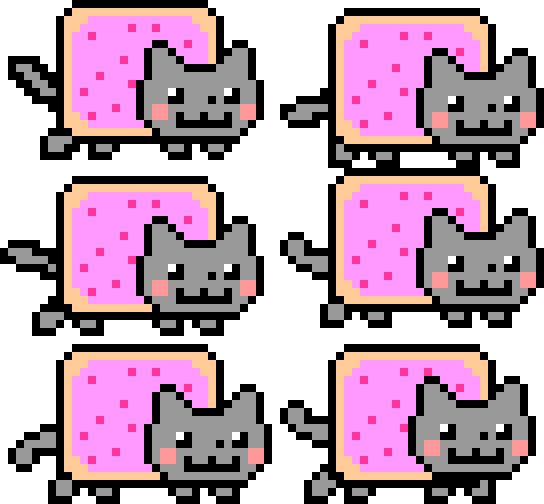
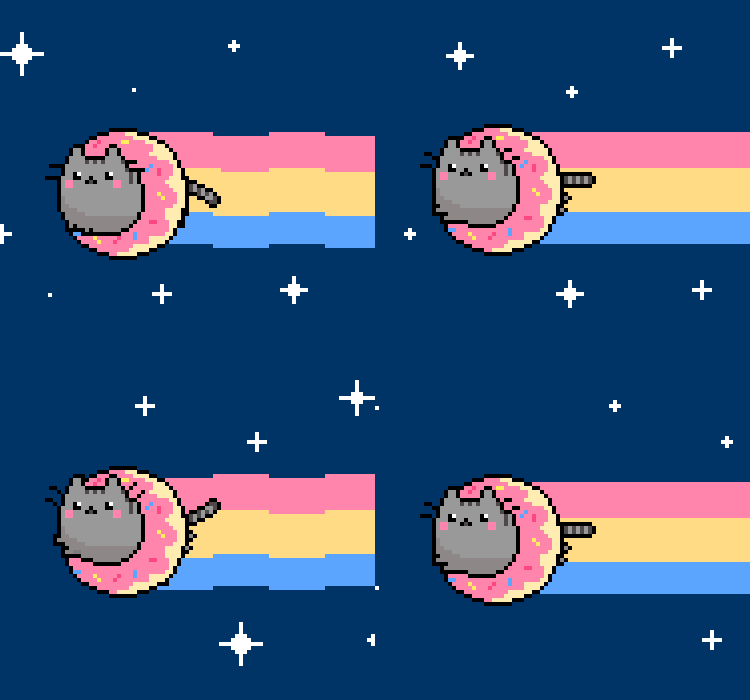
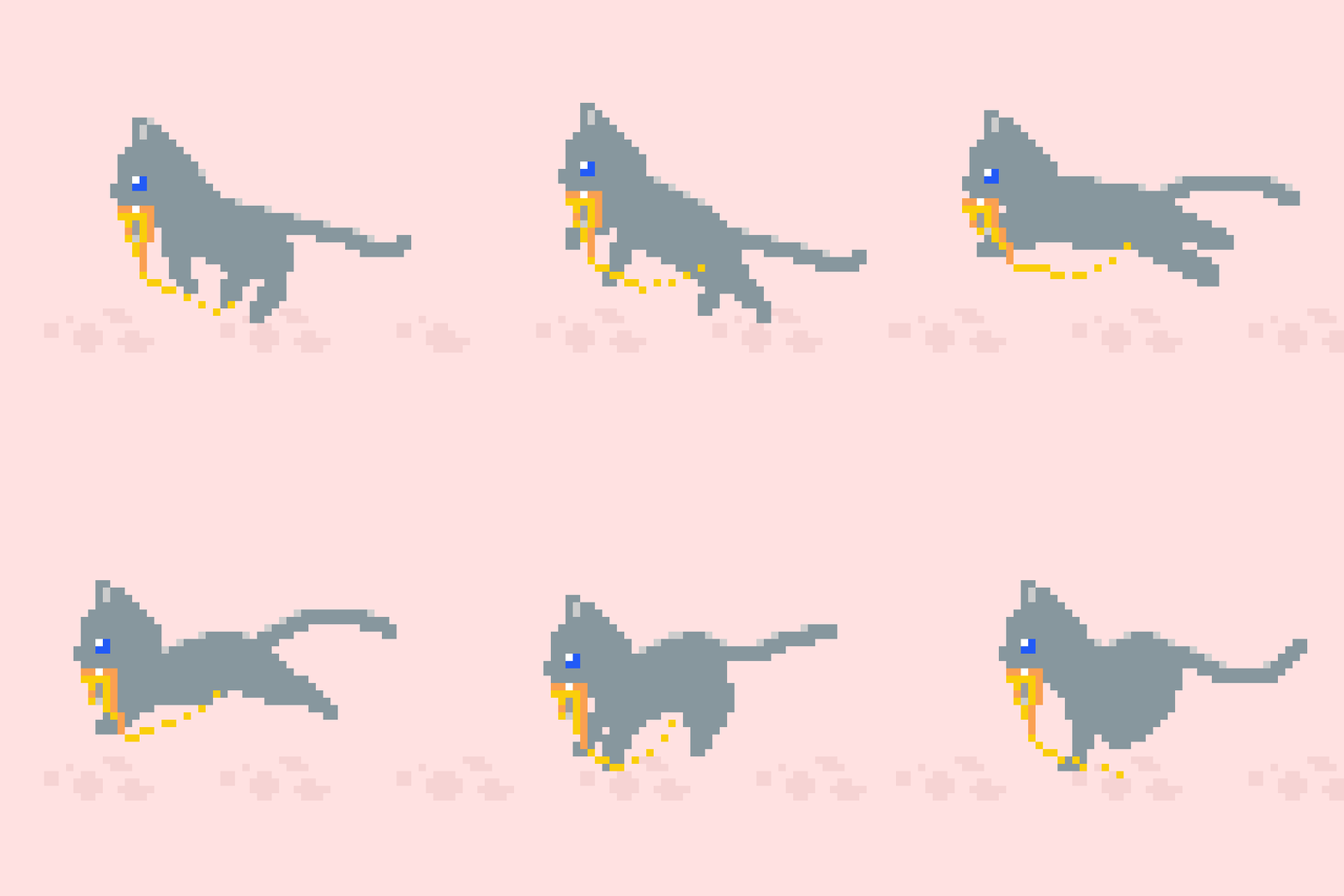
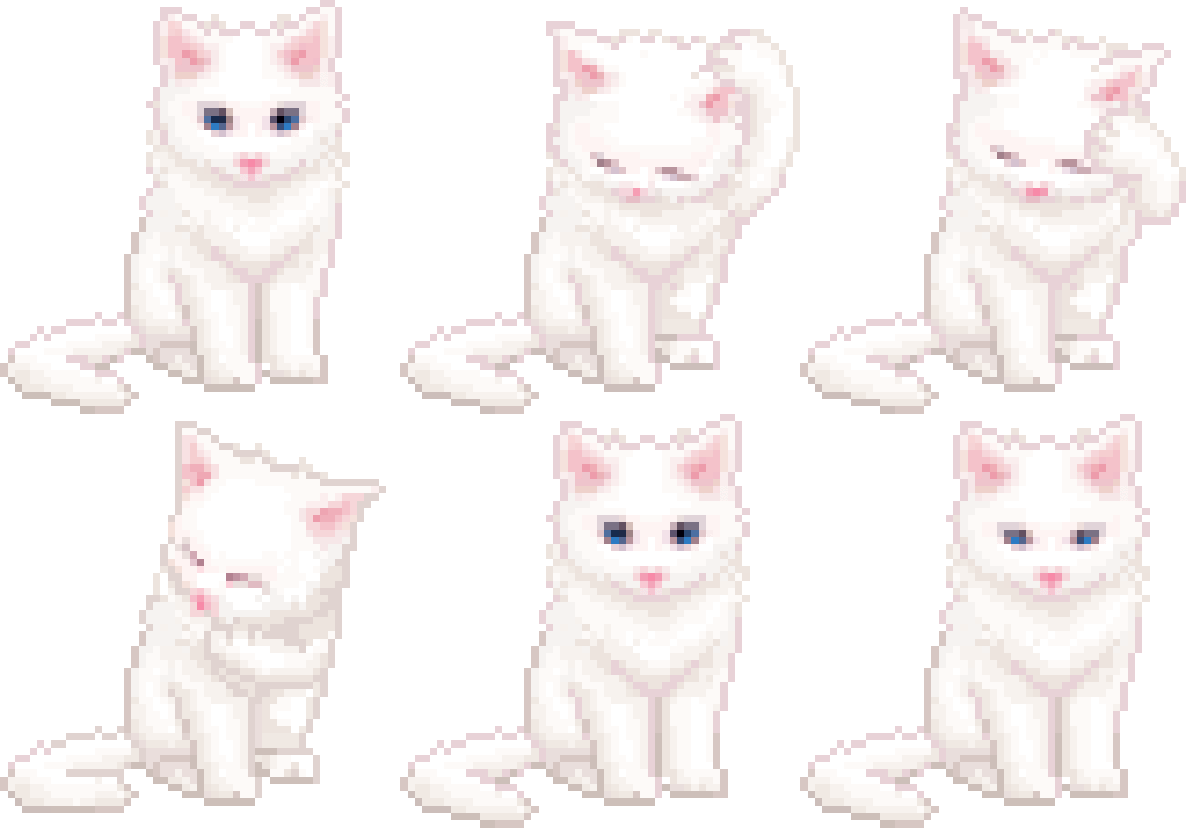
Pixel cats and chiptune-style GIFs feel right at home on retro gaming videos and lo-fi music streams. The classic Nyan Cat works on anything; the kawaii cats lean playful and cute. Try a few — switching is instant.
Height changes the whole vibe
A 16–24 px height feels subtle and disappears into the player. Push it to 40–60 px and the cat becomes the centerpiece. There's no wrong answer — pick what makes you smile when you scrub.
Use top offset to centre the cat
Different GIFs have different padding around the animation, so the cat may sit too high or too low by default. Nudge the top offset by a few pixels until the cat's feet line up with the YouTube scrubber line.
Choose GIFs with transparent backgrounds
GIFs that include a flat coloured background will show that colour on the scrubber. Transparent-background GIFs blend cleanly with the YouTube UI. Most search tools let you filter for transparent results.
Popular use cases
Different people find their cat in different ways. Here are three patterns we hear from users most often.
Long-form viewing
Lectures, podcasts, tutorials, and documentaries: a cat moving across a 40-minute progress bar is a tiny bit of motion that makes long-form videos feel less static. Many users pick a calm, walking-style cat for this.
Music and lo-fi
YouTube Music users tend to pick dancing or bouncing cats — Orange Dance, Kitty Wigglez, and the Nyan classic are all perennial favourites. The motion syncs naturally with the music.
Streaming and shared screens
Streamers and people who share their browser on Zoom often pick a single bold cat (Garfield, Pixel Tiger) so the scrubber is a visible piece of branding. A few even upload a custom GIF that matches their channel.
Still stuck?
Most installation and customization questions are answered on the FAQ page — take a quick look there first.